Configuring Internet Information Services (IIS)
When the installation is done, your IIS manager will look like this:
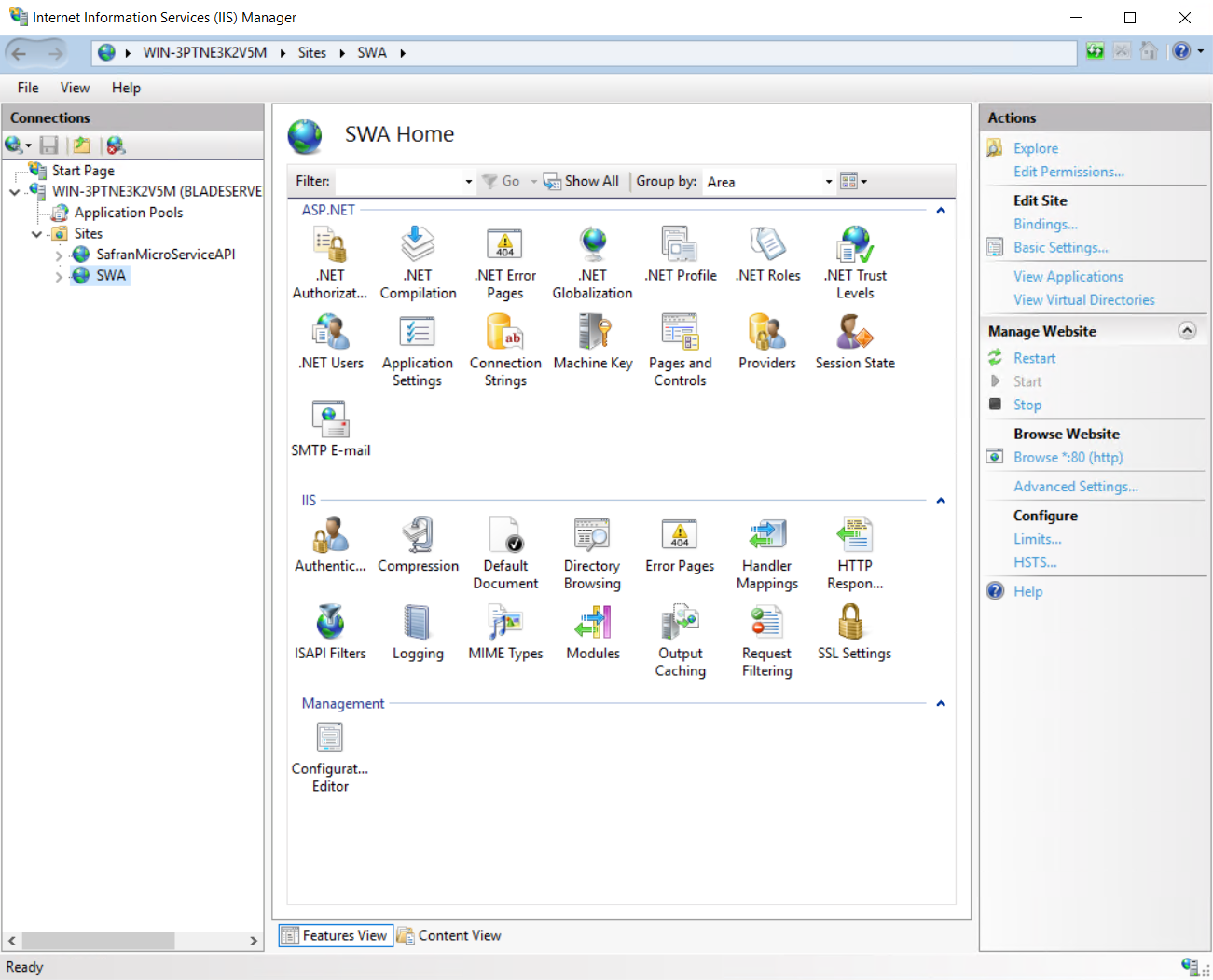
The next step is to set up an Authentication mode. Either Windows Authentication or Anonymous Authentication must be enabled.
Windows Authentication
If you want to use Active Directory, enable Windows Authentication.
By default, Windows authentication will not appear as an option in IIS. It can be added from the control panel: "Turn Windows features on or off" and navigating to:
Internet Information Services > World Wide Web Services > Security > Windows Authentication.
Anonymous Authentication
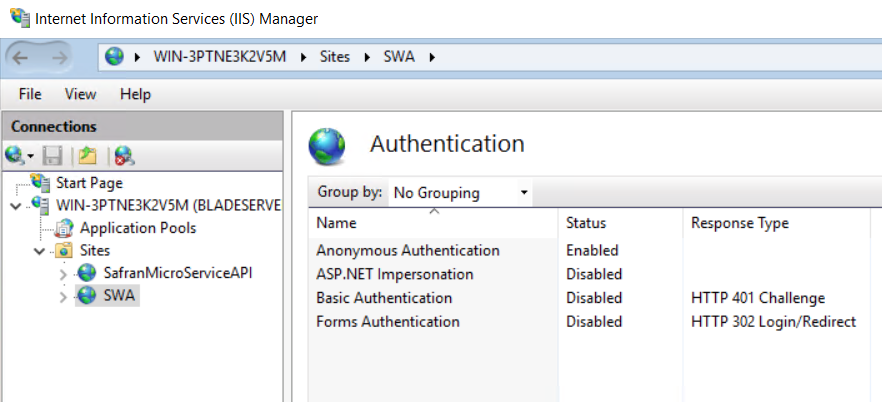
If not using Windows Authentication, enable Anonymous Authentication.

Here you can see that Anonymous Authentication has been enabled: