Project Properties
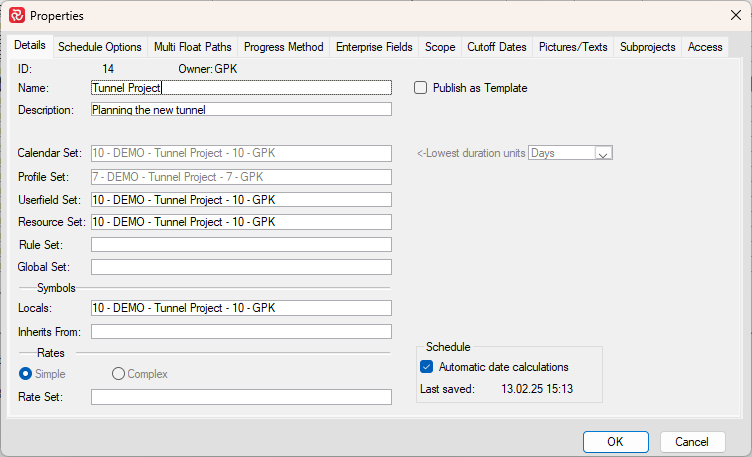
Safran Project allows you to view or change all the attributes related to your project, such as calendar set, user field set, resource set, enterprise fields, etc.
Additionally, many configuration options are available that govern how Safran Project behaves.
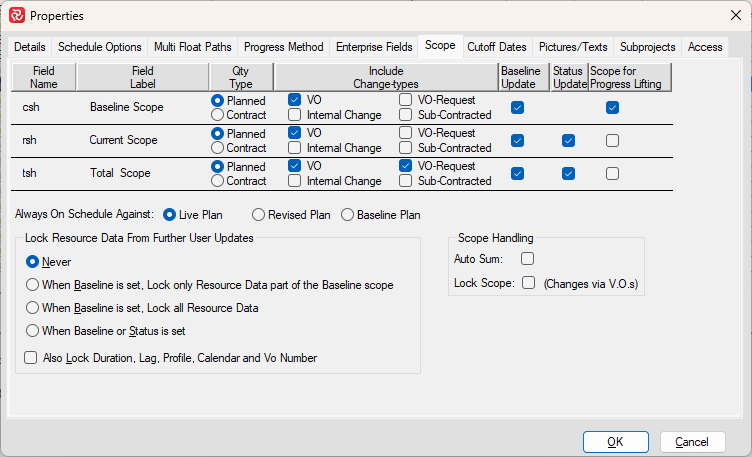
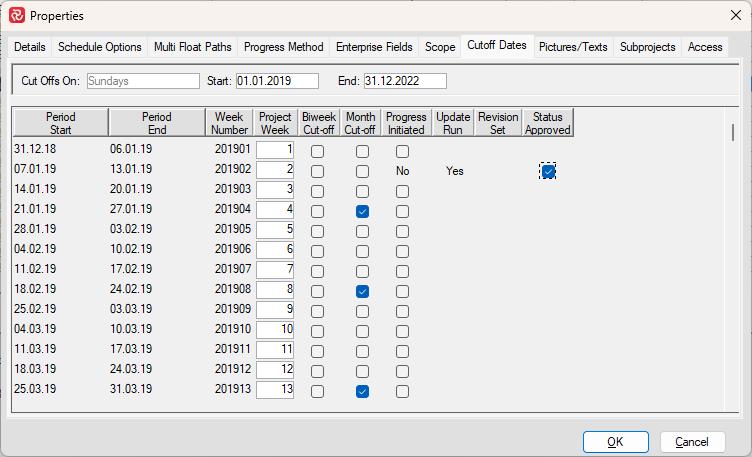
Examples of such are how the Network Analysis Engine/Scheduler calculates under certain circumstances, your Project Execution calendar/Cut-off dates, and also how Safran accumulates quantities from change orders in the various scopes.
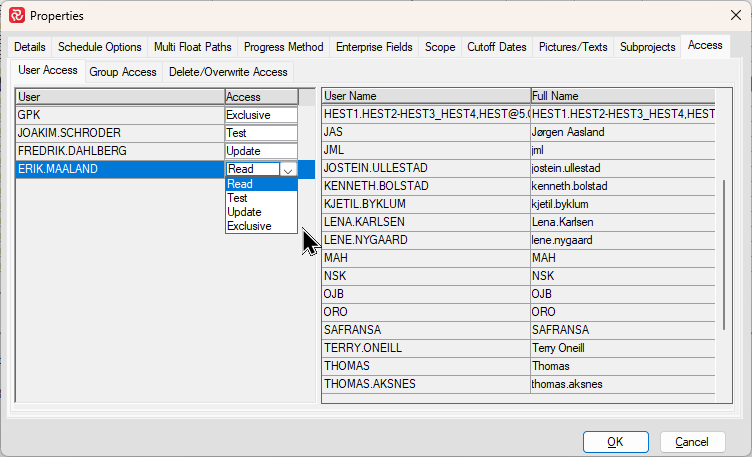
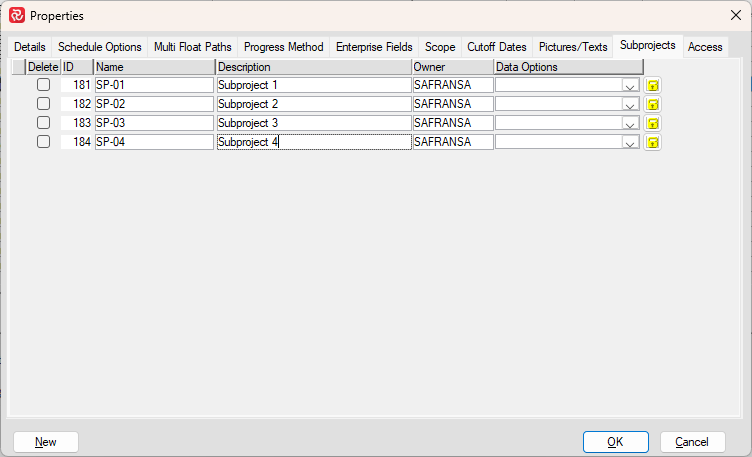
Finally, you can also add sub-projects or give access to other users.
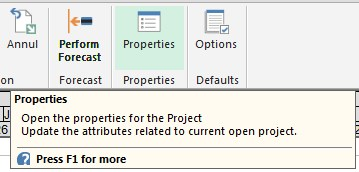
Click the Properties icon in the PROJECT ribbon to open and modify the information.
A more in-depth description of how to create/modify the information in each tab is explained in the section Setting up Projects/Create a New Project.
Details
Schedule Options
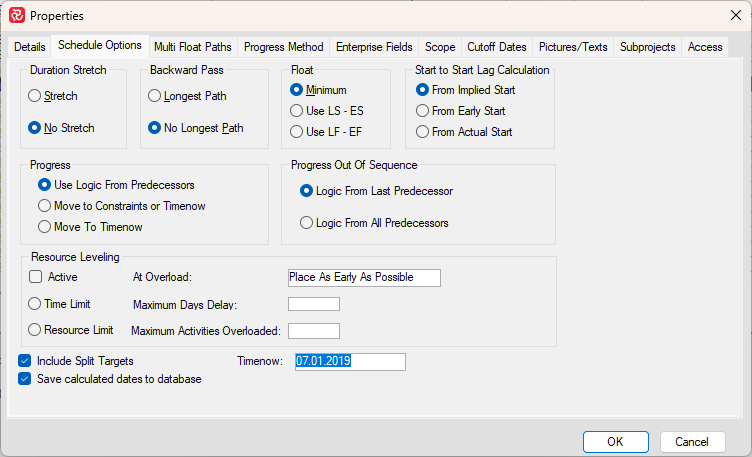
More info on Schedule Options.
Multi Float Paths
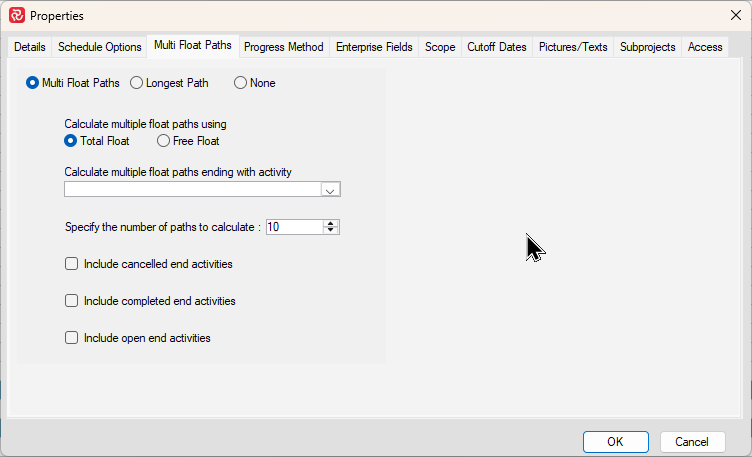
More info on Multi Float Paths.
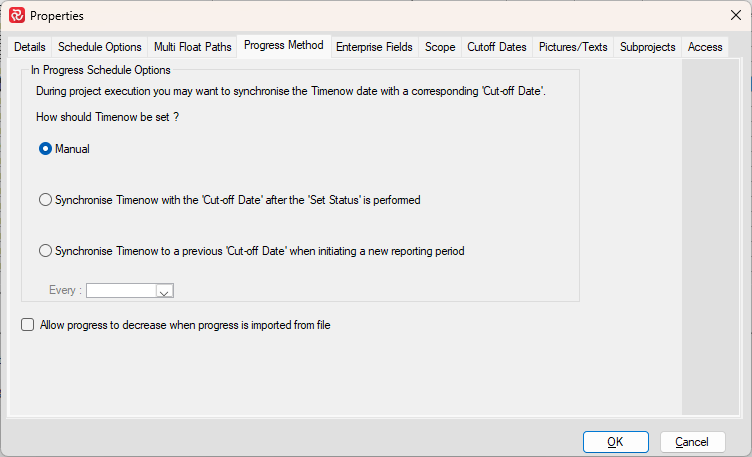
Progress Method
Subprojects
Enterprise Fields
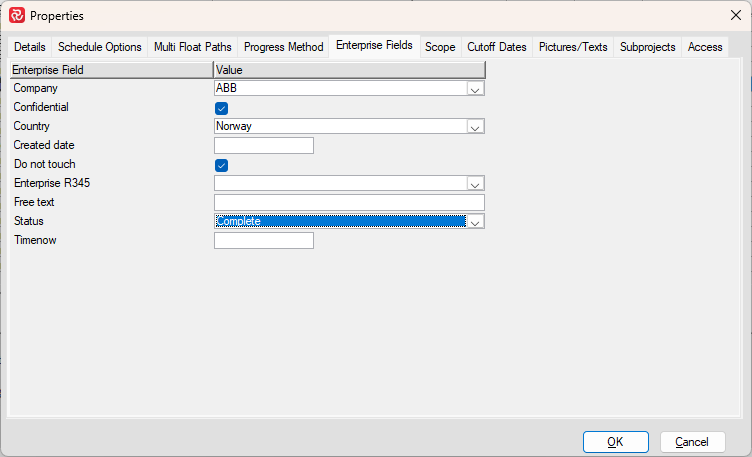
More info on Enterprise Fields.